AiBeaver
YouTube video from text
AiBeaver is a desktop app for macOS and Windows: it voices your script, cuts it into scenes, gets frames from the services you connect and edits an MP4. The app speaks English: pick the language right in its window.
A key gives you the app for a period and is bought in the bot @aibvrbot. Images, video and voice-over you pay to the services directly, with no markup.
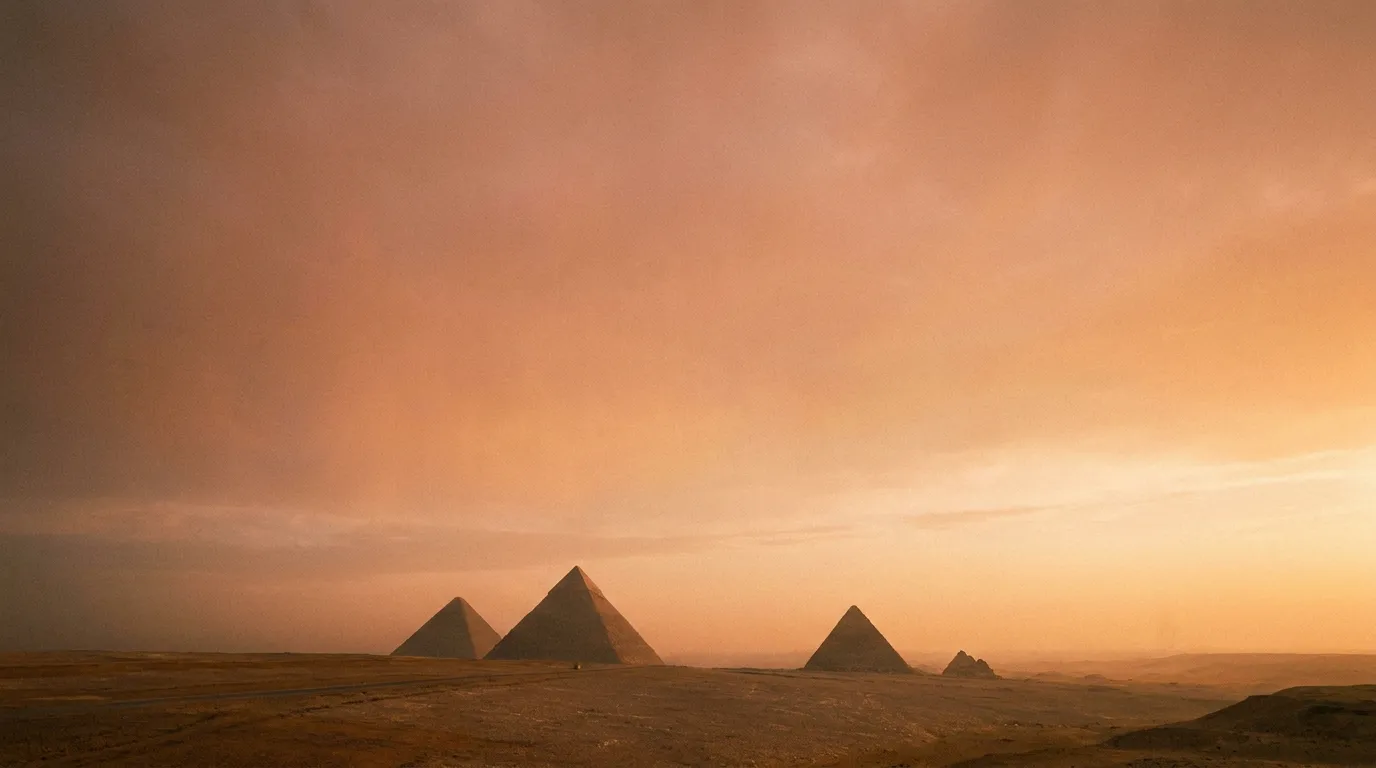
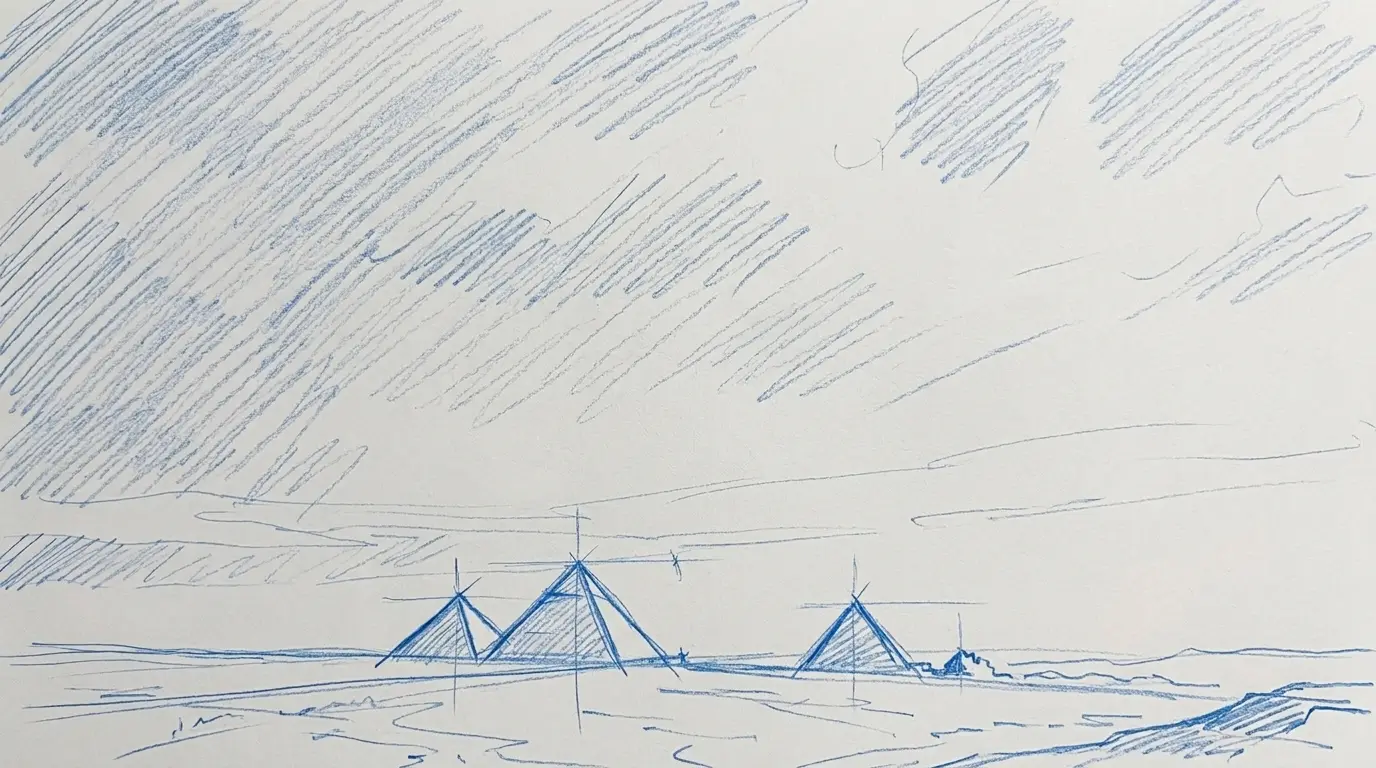
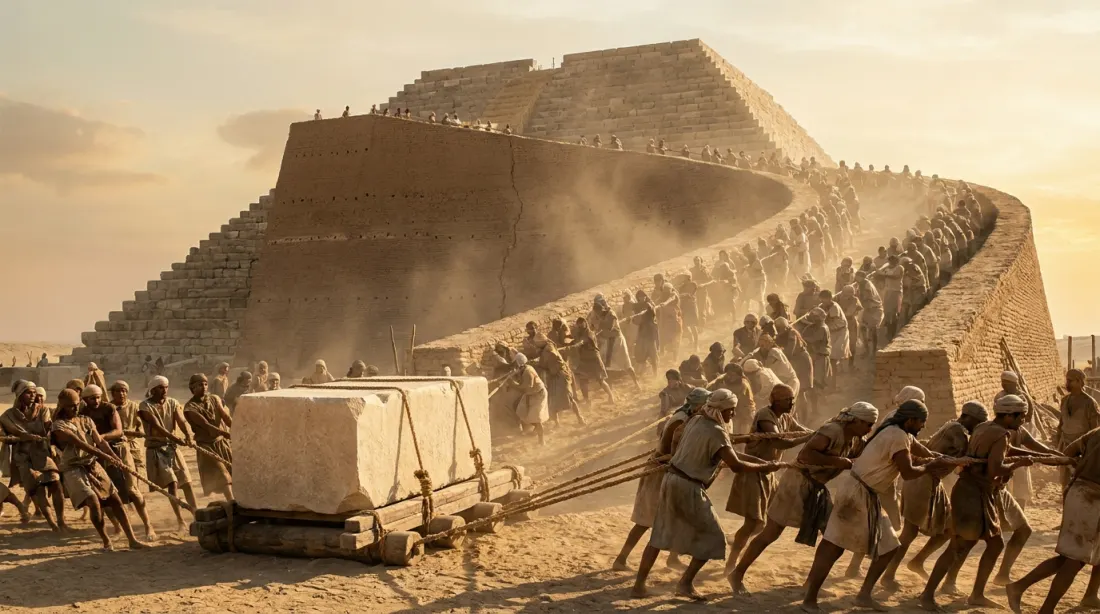
Scene 1 of the example. The AI drew the frame from the app’s prompt.
From text to MP4
Ten minutes of video is about 120 five-second scenes. By hand, each one needs a prompt, an image or clip from a generator, a piece of voice-over and a cut on the timeline. The app goes all the way on its own, scene by scene.
- 1
 2
 3
 4
 5
 6
Voice-over
A voice-over service (Lumean or VoiceGen) reads the script through your account with it. One checkbox evens out the loudness and adds background music. Have your own voice-over? The step is skipped.
Four and a half thousand years ago, a building project like no other began on the Giza plateau.
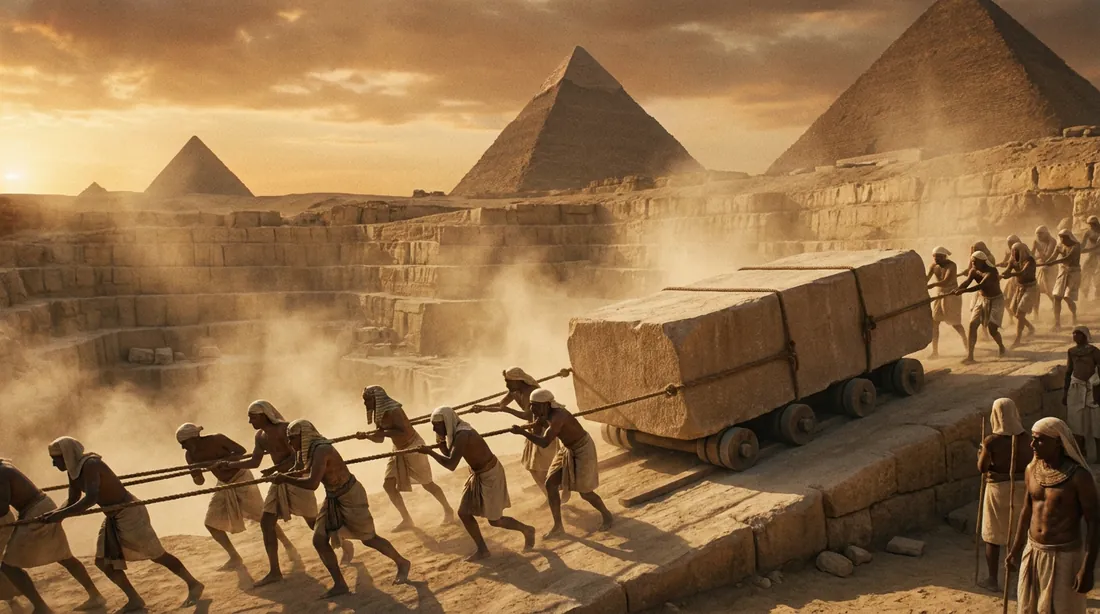
The stone was quarried right there, at the foot of the plateau.
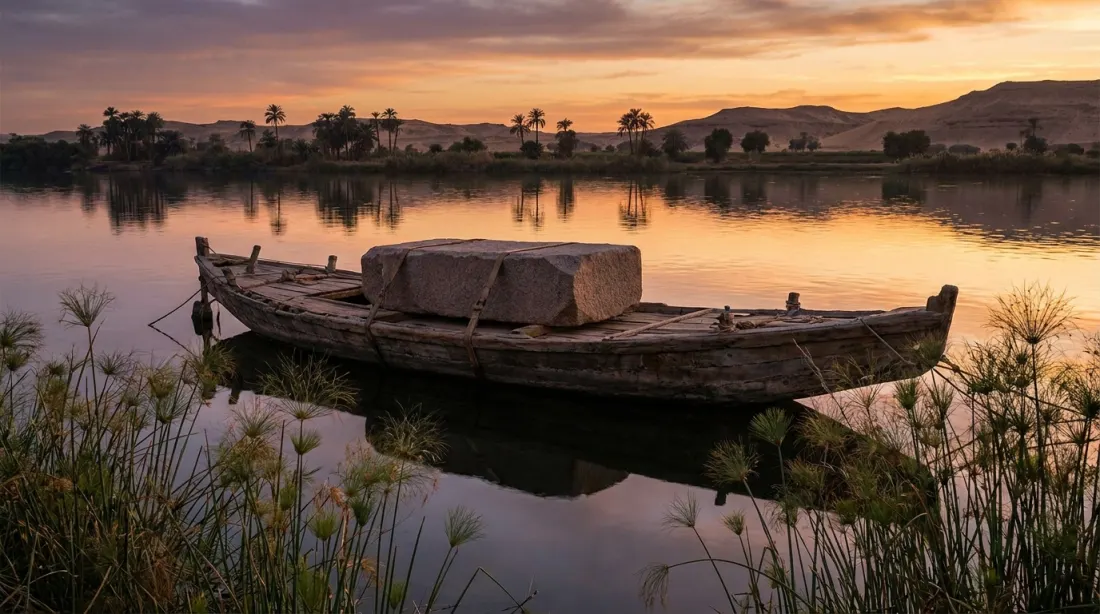
Granite for the burial chamber came down the Nile from eight hundred kilometres away.
Timings
The app recognises the voice-over and makes subtitles: every phrase gets a start and an end time. The scenes are cut along those marks.
1
00:00:00,000 --> 00:00:06,400
Four and a half thousand years ago, a building project like no other began on the Giza plateau.

2
00:00:06,400 --> 00:00:11,800
The stone was quarried right there, at the foot of the plateau.

3
00:00:11,800 --> 00:00:18,600
Granite for the burial chamber came down the Nile from eight hundred kilometres away.
Storyboard
ChatGPT, through your ordinary account, cuts the text into scenes and writes a prompt for each: a description of the frame for the AI. Directing keeps the scenes in one story, and HEROES keep the characters the same.
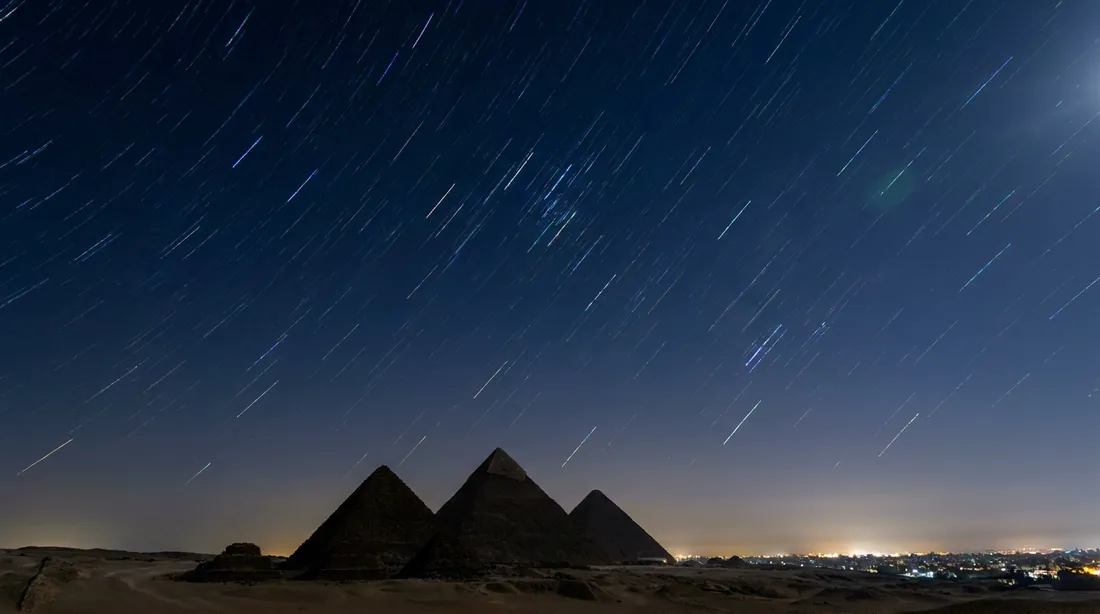
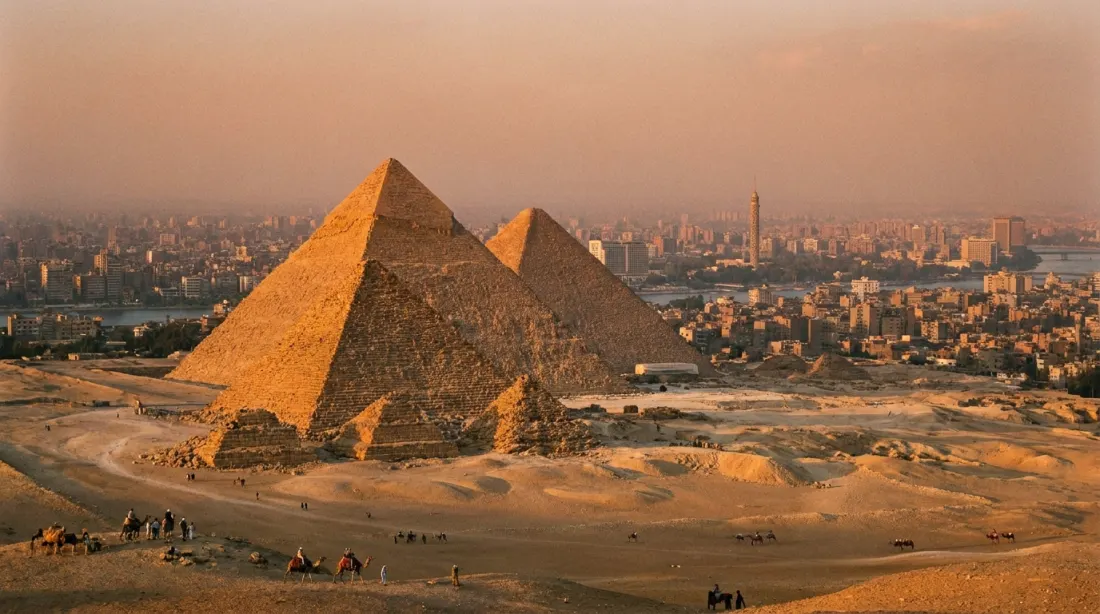
- Wide dawn view of the Giza plateau, three pyramids under a vast warm sky, morning haze, cinematic
- Ancient limestone quarry at the foot of the plateau, workers cutting blocks with copper chisels, dust in low sun
- Ancient wooden barge on the Nile at sunset, a granite block on its deck, reeds in the foreground
Frames
The generation service you connect draws the frame from the prompt. Connect several and they split the scenes.
Edit
Frames land under the voice; subtitles and on-screen text follow the timings. Your own intro, footage and music go in through INSERTS.
The blocks were hauled up ramps on wooden sledges.
Done
An MP4 straight from the app, or a CapCut project if you want to polish it by hand. Plus a cover, title, description and tags.
How the pyramids were built
The same video in 31 languages
MULTILANG translates the text with DeepL, re-voices it, translates the text on the cover and writes SEO in the viewer’s language. One script becomes videos for channels in different countries.
- Русский Как строили пирамиды
- English How the pyramids were built
- Español Cómo se construyeron las pirámides
- 日本語 ピラミッドは
どう 建てられたか
An illustration: the cover from the example in four of the 31 languages.
English, Español, Português, Français, Deutsch, Italiano, Nederlands, Polski, Čeština, Slovenčina, Magyar, Română, Български, Српски, Hrvatski, Bosanski, Ελληνικά, Türkçe, Svenska, Norsk, Dansk, Suomi, Русский, हिन्दी, नेपाली, Bahasa Indonesia, Bahasa Melayu, ไทย, Tiếng Việt, 日本語, 한국어
Failed at scene 140?
A generator returned an error or the connection dropped: the project doesn’t start over. “Finish up” carries on from scene 140 and leaves what’s done alone.
Any stage can be rerun on its own: text, voice-over, prompts, images, generation or the final cut. And the app picks unfinished projects back up by itself.
What authors say
At first I was sceptical, but decided to try it in practice. It’s not a ‘make a million’ button, it’s a tool that helps you make content faster.
Being able to work on the channel after my job without turning it into a second full shift.
Don’t try to guess the perfect niche right away. Make videos, study the results and gradually find your format.
If you already know how to work with content, Beaver helps you spend less time on the technical part. And the time you free up can go into ideas and quality.
Answers from our authors’ survey, translated from Russian. The numbers are their own.
What you need
You buy the app’s key for a period in the Telegram bot. Images, video and voice-over you pay to the services directly, at their rates: no middleman, no markup.
-
The app’s key
To the @aibvrbot bot, in USDT
Access to the app for a period; the app installs its own updates. Keys differ in their set of tabs and modules; the bot shows it before you pay.
-
Images and video
To the generation service
Services that draw images and video from prompts: VIET, Non-Stop, FastGen, YouGen or Royal Techno. Each scene needs its own frame, and ten minutes is about 120 scenes. Not sure which to pick? Ask @pluskovsemu.
-
Voice-over
Lumean or VoiceGen
Not needed if you bring your own voice-over.
-
ChatGPT
Your own account
The app signs in to it by itself; you don’t pay for the API separately.
A computer with internet: a Mac with Apple Silicon or Intel, or Windows x64. Telegram for buying and questions. Not sure it suits you? Before paying, message @pluskovsemu about your channel, your computer and the services you already have.
No editing skills needed: the video assembles itself.
The app is in English, Chinese, Vietnamese and Russian: switch right in its window. The bot sells keys in English; its support answers in Russian for now.
How to buy a key
- Open @aibvrbot and pick a plan.
- Send exactly the order amount in USDT on BEP20, with the exchange fee on top.
- The key arrives in this chat in 1–2 minutes.
- Download the app and paste the key.
If something goes wrong
- Amount didn’t match, say the exchange kept a fee? An administrator checks the transfer.
- No key after 10 minutes? Tap “I’ve paid” in the bot and send the transfer hash (TxID). A transfer after the order’s deadline still counts for a day.
- Buying USDT for the first time, or used the wrong network? Message @pluskovsemu.
Have a key? Download the app How to buy USDT, and what to do if the key doesn’t arrive
FAQ
Didn’t find an answer? Message @pluskovsemu on Telegram.
Buying and paying
How much does it cost?
The bot shows plans and terms right after “Buy a key”, before any payment: you can look at the prices without buying. You renew the key there too. Images, video and voice-over you pay to the services directly, at their rates, with no markup from us.
How does payment work?
Pick a plan in the bot: it creates an order with an amount to the cent and an address to pay to. Send exactly that amount in USDT on BEP20: the cents are how the bot recognises your payment. In 1–2 minutes the key arrives in the same chat. The bot does all this in English, only its support answers in Russian for now; if that gets in the way, message @pluskovsemu.
Where do I get USDT?
USDT is a digital dollar. You buy it on a crypto exchange or at an exchange office and withdraw it to the order’s address on BEP20 (BNB Smart Chain). The exchange should charge the network fee on top, so that exactly the order amount arrives. Doing this for the first time? Message @pluskovsemu before paying.
What if the key doesn’t arrive?
Tap “I’ve paid” in the bot. If more than 10 minutes have passed, send the bot the transaction hash (TxID, a string starting with 0x) from your wallet or withdrawal history. If the amount didn’t match, say the exchange kept a fee, an administrator checks the transfer and answers in the same chat. A transfer sent after the order’s deadline is still credited for a day.
Working in the app
Do I need editing skills?
No. The video assembles itself and comes out as a finished MP4. If you want to polish it, pick “CapCut project” as the final step or open editing in DOCTOR.
Can I add my own photos, footage and music?
Yes. INSERTS takes your own intro and outro, video clips, a disclaimer, music and ready-made subtitles. Your own photos can go in too.
Won’t YouTube switch off monetization?
YouTube decides, and nobody can guarantee it. The app has CHECK, which tests whether a text reads as machine-written, and RISK-O-METER, which rates the risk of demonetization before you publish.
How long can videos be?
There’s no hard limit on length or number of scenes. A longer video just takes longer to generate and costs more at the generation service. 9:16 for Shorts and Reels is one button.
Is the app in English?
Yes. Besides Russian, the interface speaks English, Chinese and Vietnamese: pick the language in the 🌐 list in the window header or in SETTINGS, even in the window where you paste your key. It switches at once, without a restart. The videos themselves can be in other languages too: scripts in English, German, French, Spanish, Ukrainian, Chinese, Japanese and Korean work as they are, and MULTILANG turns a finished video into any of 31 languages.
A film crew inside
The tab names were not invented by marketers: in AiBeaver every stage has its own crew member. You don’t have to meet them all: the EASY mode hides the crew behind one screen. A file, a style, a voice and a “Create video” button.
Who else is on the crew
Before the shoot
- SCRIBE writes a script from a topic if you have none.
- LOUDMOUTH does the voice-over.
- HEROES keep characters the same from scene to scene.
Shooting and editing
- CHEF keeps the projects and knows how to “Bake” and “Finish baking”.
- FUSSER picks up what’s unfinished on its own.
- DOCTOR fixes the edit with a scalpel on the timeline.
After
- MULTILANG translates the finished video.
- SEO PACK writes the title and tags.
- CHECK tests whether a text reads as machine-written.
- RISK-O-METER rates the risk of demonetization.